
Table of Contents
Introduction to ESP32 LDR Sensor Project
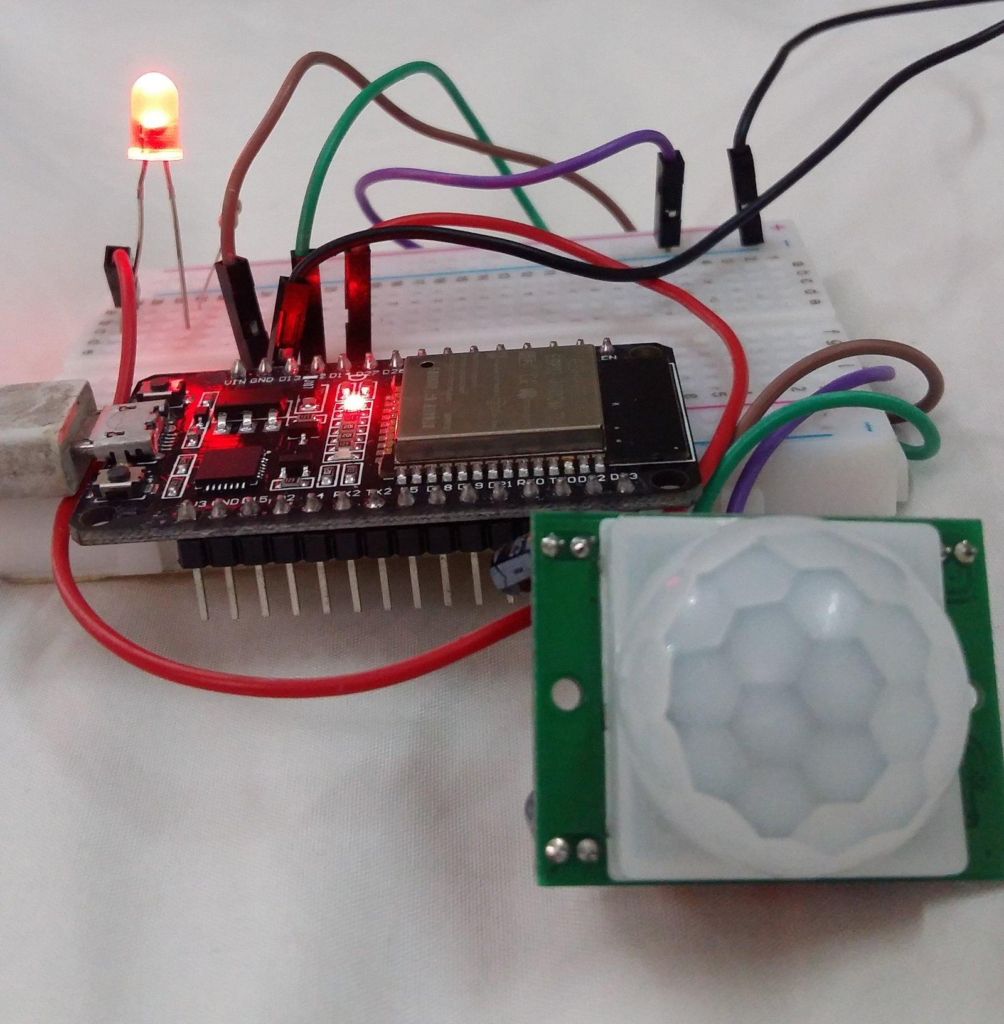
The ESP32 LDR Sensor Project is one of the most exciting Grade 7 STEM Activities for students interested in electronics, coding, and smart automation. This project demonstrates how an ESP32 microcontroller can read light intensity using an LDR (Light Dependent Resistor) and automatically control an LED based on surrounding light conditions.
Modern automation systems rely on sensors to collect information from the environment. In this project, the LDR sensor acts as the input device while the LED serves as the output device. The ESP32 processes the sensor data and makes intelligent decisions in real time.
Students not only learn programming but also gain practical knowledge of sensors, microcontrollers, and automation systems used in smart homes, smart cities, and IoT applications.
Why ESP32 is Better for Automation Projects
The ESP32 is a powerful microcontroller widely used in robotics and automation projects.
Some advantages of ESP32 include:
- Built-in Wi-Fi connectivity
- Bluetooth support
- Multiple GPIO pins
- Fast processing speed
- Low power consumption
- Suitable for IoT applications
- Supports advanced automation projects
Compared to traditional Arduino boards, ESP32 offers more features and flexibility for creating intelligent systems.
Components Required
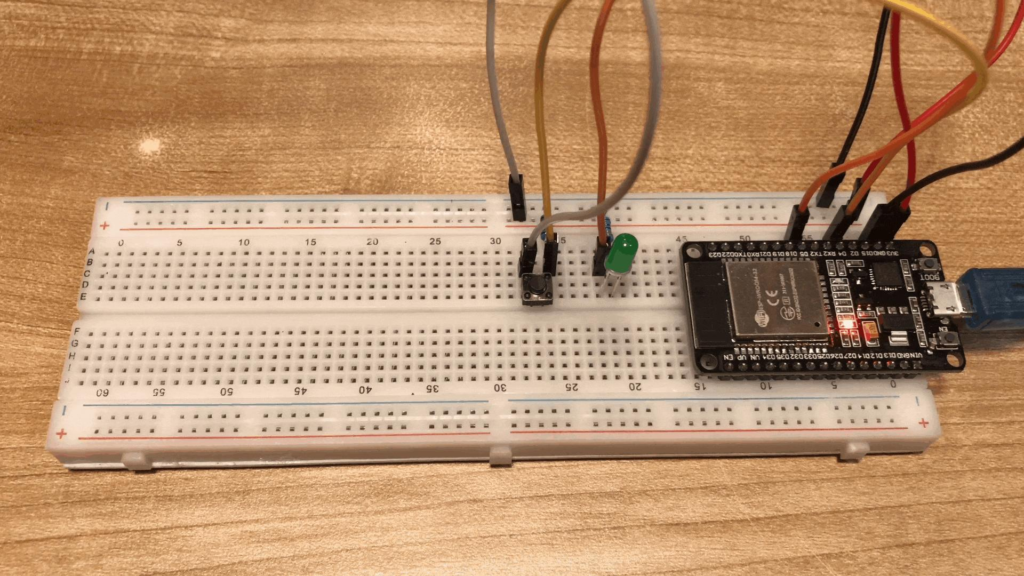
The ESP32 LDR Sensor Project requires the following components:
- ESP32 Development Board
- Breadboard
- LDR Sensor
- LED
- Resistor
- Jumper Wires
- USB Cable
- Arduino IDE Software
These components are affordable and commonly available in robotics and STEM learning kits.
Understanding the Working of an LDR Sensor
An LDR (Light Dependent Resistor) is a sensor whose resistance changes according to the amount of light falling on it.
In Bright Light
- Resistance decreases
- Sensor values increase
- LED remains OFF
In Darkness
- Resistance increases
- Sensor values decrease
- LED turns ON
This simple principle allows the ESP32 to determine whether the environment is bright or dark.
The ESP32 continuously reads the sensor values and controls the LED accordingly.
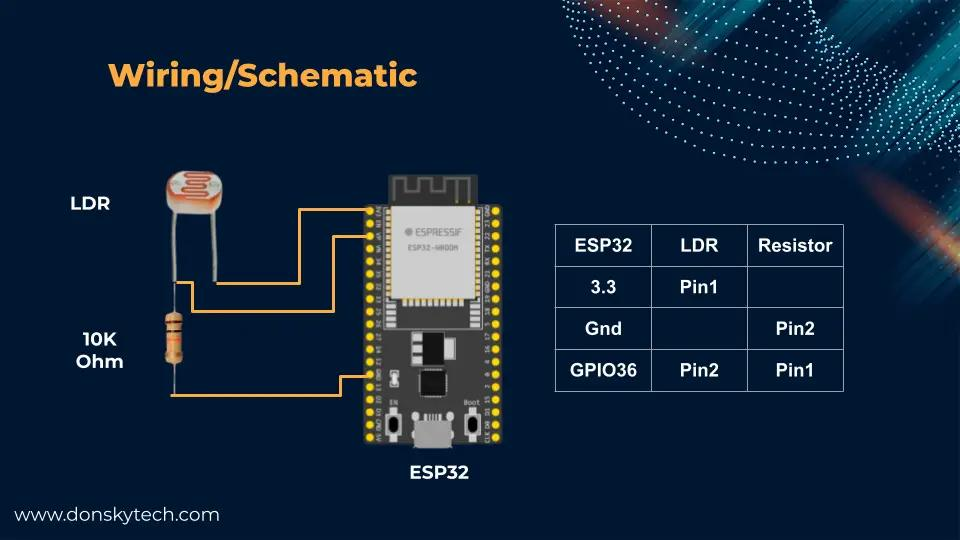
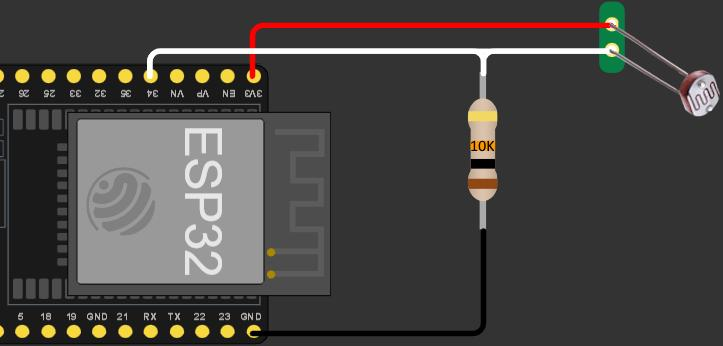
ESP32 LDR Sensor Project Circuit Connections
Proper wiring is essential for successful operation.
LDR Sensor Connections
| LDR Pin | ESP32 Connection |
|---|---|
| VCC | 5V |
| GND | GND |
| Signal | GPIO 25 |
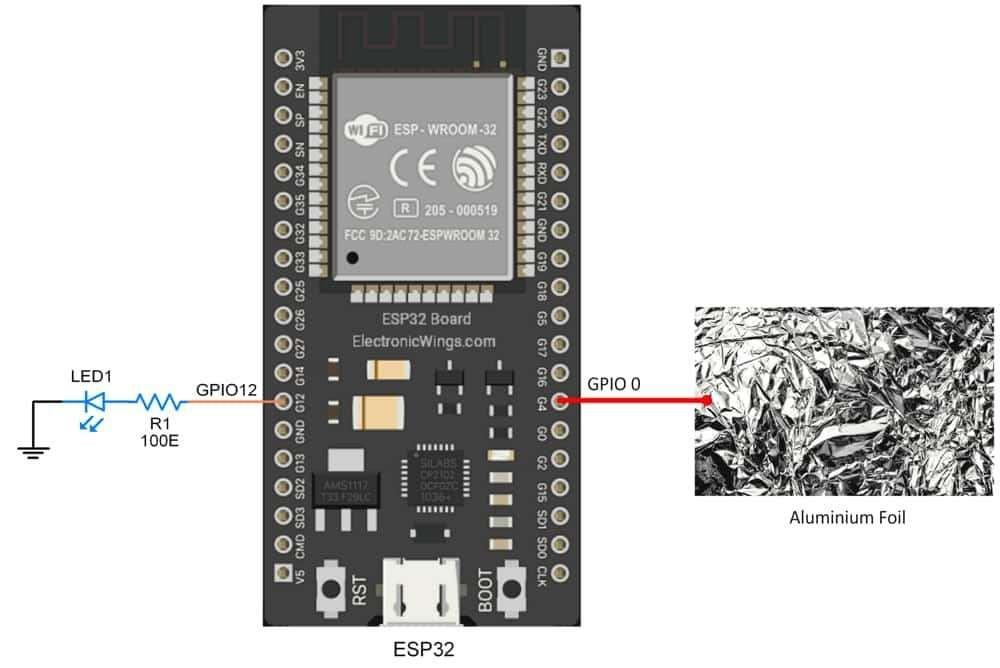
LED Connections
| LED Terminal | ESP32 Connection |
|---|---|
| Positive | GPIO 13 |
| Negative | GND through resistor |
Common Ground
Both the LED and LDR sensor share a common ground connection. This simplifies wiring and improves circuit stability.
The resistor connected with the LED protects it from excessive current and prevents damage.
Programming the ESP32 LDR Sensor Project
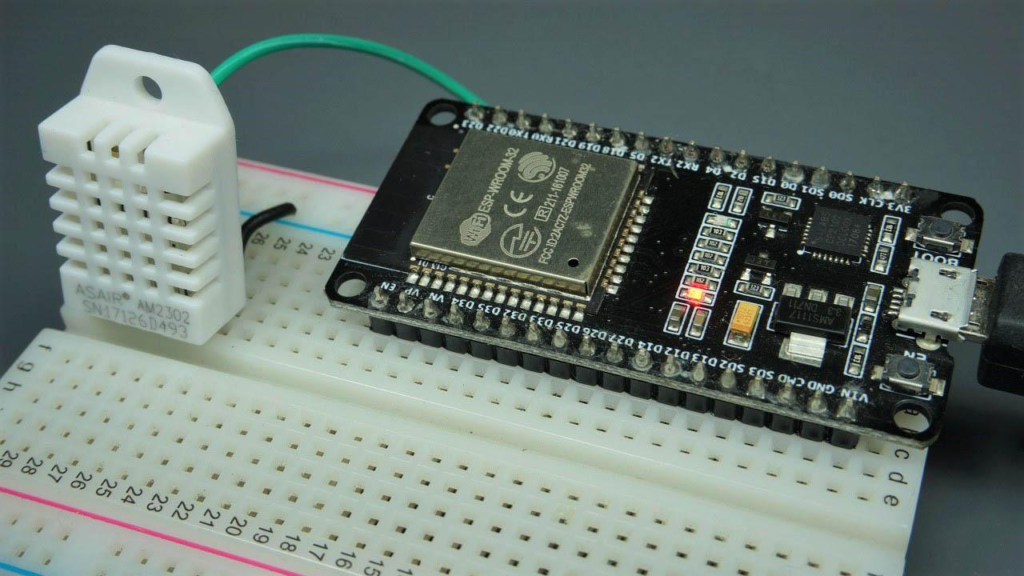
Programming is performed using the Arduino IDE.
Before uploading code, students must:
- Open Arduino IDE.
- Select ESP32 Dev Module from the Board Manager.
- Connect the ESP32 board using a USB cable.
- Define LED and sensor pins in the program.
- Upload the code.
The main logic of the program is straightforward:
- Read sensor data from GPIO 25.
- Compare sensor values with a predefined threshold.
- Turn the LED ON when darkness is detected.
- Turn the LED OFF when sufficient light is available.
This demonstrates how sensors and outputs interact in real-time automation systems.
Testing and Working of the Project
Once the wiring and programming are completed, the project is ready for testing.
Uploading the Program
A unique feature of ESP32 is that users often need to press the Boot button while uploading code.
After successful uploading:
- The ESP32 starts reading light intensity.
- The LED reacts automatically according to the sensor readings.
Observing the Results
When the LDR is exposed to bright light:
- Sensor values increase.
- LED remains OFF.
When the LDR is covered or placed in darkness:
- Sensor values decrease.
- LED turns ON.
This confirms that the ESP32 LDR Sensor Project is working successfully.
Benefits of ESP32 LDR Sensor Projects
This project provides several educational advantages.
Introduces IoT Concepts
ESP32 is widely used in Internet of Things applications.
Enhances Coding Skills
Students learn how to read sensor values and control output devices.
Develops Problem-Solving Abilities
Testing and debugging improve logical thinking.
Encourages Creativity
Students can modify the project and create their own automation systems.
Supports STEM Education
The project combines Science, Technology, Engineering, and Mathematics into one hands-on activity.
Real-World Applications
The concepts learned through the ESP32 LDR Sensor Project are used in many real-world technologies.
Smart Street Lights
Street lights automatically switch ON at night and OFF during the day.
Smart Homes
Lighting systems adjust according to ambient light conditions.
Energy Management Systems
Buildings use sensors to reduce unnecessary electricity consumption.
Security Systems
Sensors monitor environmental changes and trigger alerts.
Smart Agriculture
Greenhouses use light sensors to maintain optimal growing conditions.
These applications demonstrate how simple sensor projects can lead to advanced automation systems.
Grade 7 STEM Activities Using ESP32
After completing the ESP32 LDR Sensor Project, students can explore additional Grade 7 STEM Activities such as:
- Smart Traffic Light System
- Servo Motor with ESP32
- Automatic Street Light Projects
- Smart Parking Systems
- Home Automation Projects
- Obstacle Detection Systems
- IoT-Based Monitoring Projects
These projects help students build a strong foundation in electronics, coding, and automation.
RoboSiddhi STEM Learning Programs
RoboSiddhi promotes hands-on learning through robotics, coding, electronics, and engineering projects. Students learn practical skills through real-world applications and project-based learning experiences.
Projects such as the ESP32 LDR Sensor Project encourage innovation, creativity, and critical thinking while preparing students for future careers in science and technology.
Through STEM education, learners gain confidence in problem-solving and develop a deeper understanding of modern technologies.
Frequently Asked Questions
What is an ESP32?
ESP32 is a powerful microcontroller with built-in Wi-Fi and Bluetooth capabilities, commonly used for IoT and automation projects.
What is an LDR sensor?
An LDR sensor is a Light Dependent Resistor that changes resistance according to light intensity.
Which GPIO pins are used in this project?
GPIO 25 is used for the LDR sensor input and GPIO 13 is used for LED output.
Why is a resistor used with the LED?
The resistor limits current flow and protects the LED from damage.
Is this project suitable for beginners?
Yes. The ESP32 LDR Sensor Project is beginner-friendly and ideal for Grade 7 STEM Activities.
Conclusion
The ESP32 LDR Sensor Project is an excellent introduction to automation, sensor technology, and IoT concepts. By combining an ESP32 microcontroller, an LDR sensor, and an LED, students learn how smart systems react to environmental conditions in real time.
As one of the most engaging Grade 7 STEM Activities, this project helps learners understand programming, electronics, and automation while encouraging creativity and innovation. The knowledge gained from this project serves as a foundation for more advanced robotics and IoT applications in the future.