
Python Variables and Data Types are among the most important topics for beginners learning programming. Variables help us store information, while data types tell Python what kind of information is being stored.
In this beginner-friendly guide, Grades 3 students will learn what variables are, how they work, different data types in Python, and how to use them in simple programs.
Table of Contents
What Are Python Variables and Data Types
Python Variables and Data Types Introduction
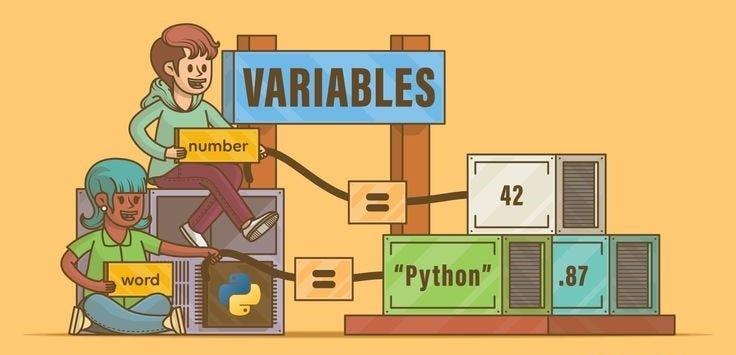
Think of a variable as a box that stores information.
Just like a school bag can hold books, pencils, and notebooks, a variable can hold names, numbers, and other data.
For example:
name = "Sumit"
Here:
nameis the variable"Sumit"is the value stored inside it
Variables make programs flexible and easy to understand.
Understanding Variables with a Simple Example
Python Variables and Data Types Example
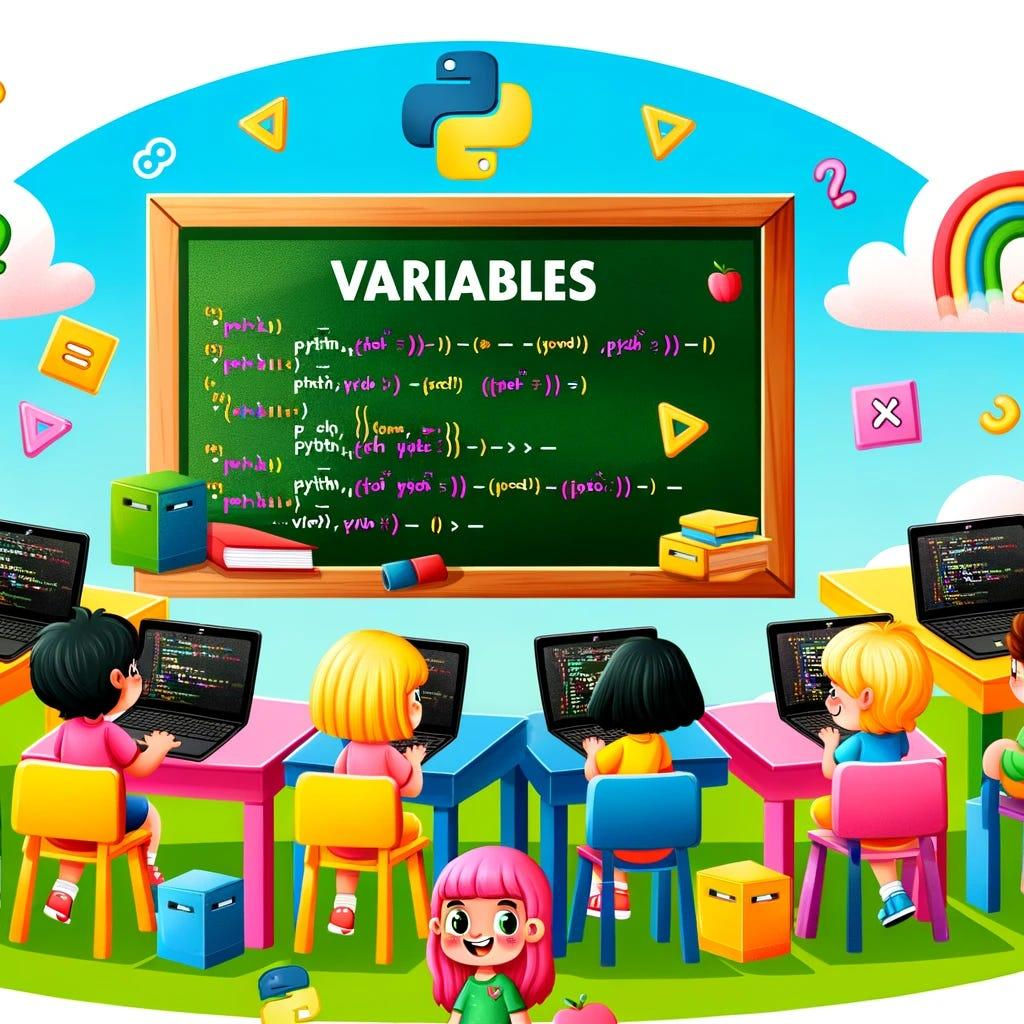
Let’s create two variables:
name = "Sumit"
age = 11
Now print them:
print(name)
print(age)
Output:
Sumit
11
Python reads the variable name and displays the value stored inside it.
This is why variables are often called containers for information.
What Are Data Types?
Python Variables and Data Types Data Types
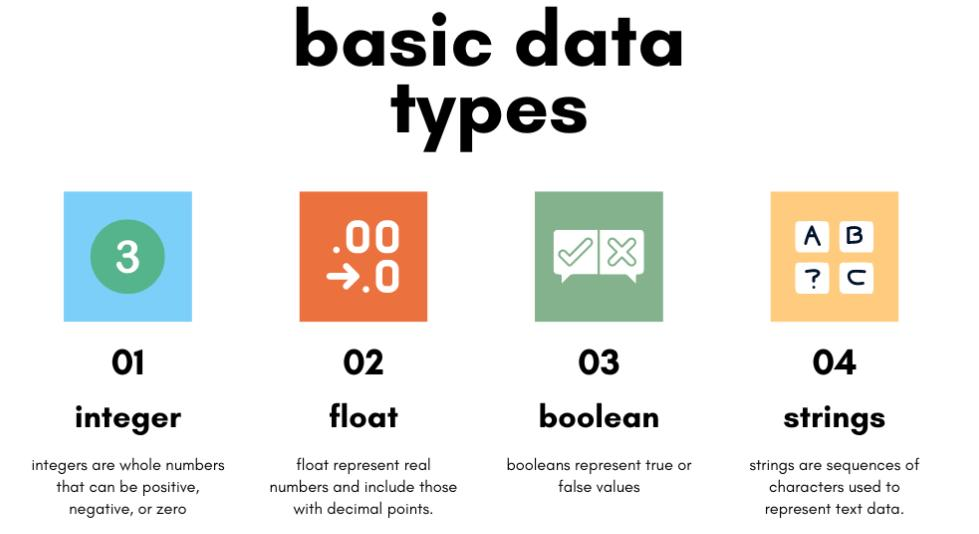
Data types tell Python what kind of information is being stored.
String
A string stores text.
school = "RoboSiddhi"
Examples:
- Names
- Cities
- School names
Integer
An integer stores whole numbers.
age = 10
Examples:
- Age
- Marks
- Number of books
Float
A float stores decimal numbers.
price = 10.5
Examples:
- Height
- Weight
- Product prices
Character
A character stores a single letter.
grade = "A"
Examples:
- Grades
- Initials
- Symbols
Understanding data types helps programmers write better code.
Rules for Naming Variables
Python has simple rules for naming variables.
Valid Variable Names
name
student_name
_robo
Invalid Variable Names
1name
@student
Important Rules
- Start with a letter or underscore
- Do not start with numbers
- Avoid special symbols
- Use meaningful names
Good variable names make programs easier to read.
Printing Variables in Python
Variables can be combined with text to create meaningful messages.
Example:
name = "Sumit"
print("My name is " + name)
Output:
My name is Sumit
This allows programs to display personalized information.
You can also print numbers:
age = 11
print(age)
Python will display:
11
Real-Life Examples of Variables
Variables are used everywhere in programming.
Examples include:
- Student names
- School grades
- Mobile game scores
- Robot instructions
- Online forms
Imagine creating a school management system:
student_name = "Rahul"
class_name = "Grade 4"
These variables help store important information.
RoboSiddhi Learning Experience
The RoboSiddhi Python course introduces students to programming through simple examples and hands-on activities.
In this lesson, students learned:
- What variables are
- How variables store data
- Different data types
- Variable naming rules
- Printing variables in Python
The practical examples make coding easy and enjoyable for young learners.
Practice Activities
Try these beginner exercises:
Activity 1
name = "Your Name"
print(name)
Activity 2
age = 8
print(age)
Activity 3
favorite_color = "Blue"
print(favorite_color)
Activity 4
# My first Python variable
favorite_number = 7
print(favorite_number)
These activities help students build confidence while learning Python.
Practical YouTube Tutorial
Learning Python becomes much easier when you watch coding demonstrations and practice alongside them. A YouTube tutorial can help students understand variables, data types, and print statements through real examples.
In this lesson, students learned how to:
- Create variables in Python
- Store information such as names and ages
- Understand different data types
- Follow variable naming rules
- Print variable values on the screen
- Combine text and variables in output statements
Watching a practical tutorial while writing the code yourself is one of the best ways to improve programming skills.
🚀 Full Course: Python in English (Beginner to Advanced)
Conclusion
Python Variables and Data Types are essential building blocks of programming. Variables store information, while data types define the kind of information being stored.
By understanding strings, integers, floats, and characters, students can begin creating interactive programs and prepare for more advanced Python Variables and Data Types concepts in future lessons.
Regular practice with variables will help Grades 2–5 students become confident young programmers.