
Introduction
The Python Student Exam Eligibility Checker Project is a beginner-friendly programming activity that helps students learn how to use conditional statements, classes, and user input in Python. This project determines whether a student is eligible to appear for an examination based on their attendance percentage.
In many schools, students must maintain a minimum attendance percentage to qualify for exams. The Python Student Exam Eligibility Checker Project automates this process by checking attendance records and displaying eligibility results instantly.
As part of Grade 9 STEM Activities, this project introduces students to object-oriented programming (OOP), decision-making logic, and real-world applications of Python programming.
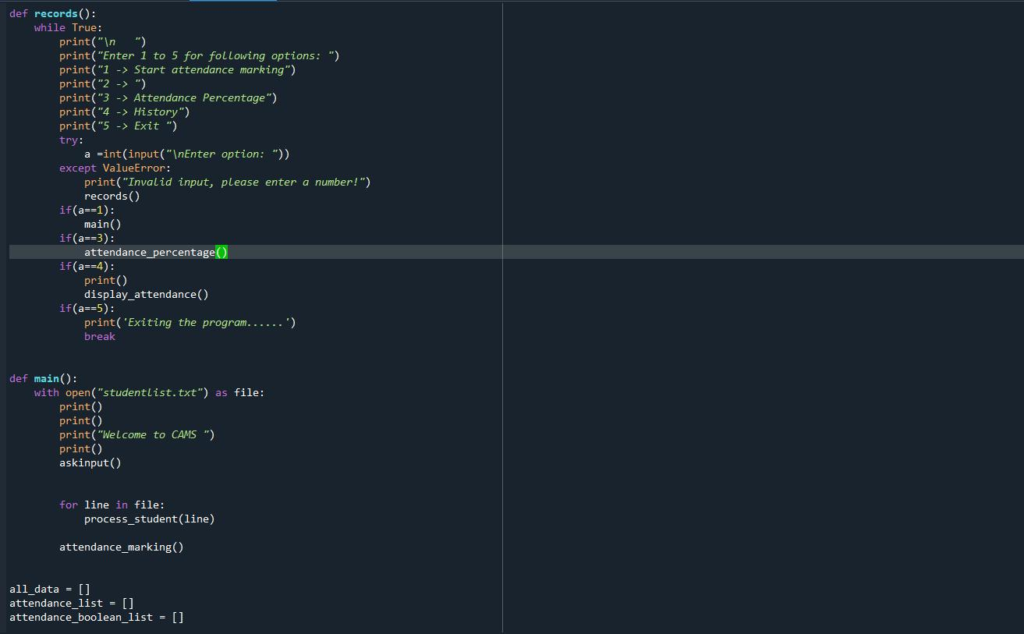
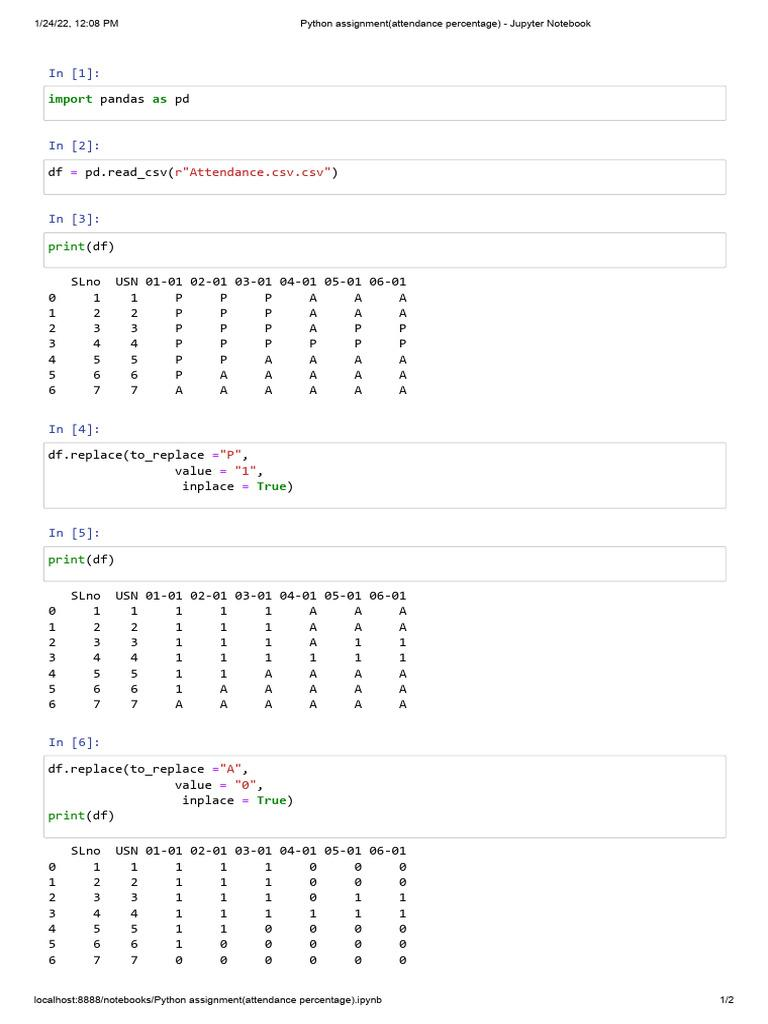
Student attendance eligibility checker program developed using Python programming.
Table of Contents
What is a Student Exam Eligibility Checker?
A Student Exam Eligibility Checker is a simple Python program that determines whether a student can appear for examinations based on attendance percentage.
Eligibility Rule
- Attendance below 80% → Not Eligible
- Attendance 80% or above → Eligible
The Python Student Exam Eligibility Checker Project uses this rule to automatically evaluate student eligibility.
This project demonstrates how programming can automate academic management tasks efficiently.
Learning Objectives
By completing the Python Student Exam Eligibility Checker Project, students will learn:
- Object-Oriented Programming (OOP)
- Classes and Objects
- Conditional Statements
- User Input Handling
- Decision Making in Python
- Real-World Problem Solving
- Python Programming Fundamentals
These concepts are essential building blocks for future programming projects.
Software Requirements
This project only requires software and does not need any electronic hardware.
| Software | Purpose |
|---|---|
| Python | Programming Language |
| VS Code | Code Editor |
| Thonny IDE | Alternative Python IDE |
| Computer/Laptop | Running the Project |
Students can use any Python-supported development environment.
Understanding Python Concepts
Class
A class acts as a blueprint for creating objects.
Example:
class Student:
The Student class stores student information and attendance data.
Object
An object is an instance of a class.
Example:
student = Student()
Self Keyword
The self keyword refers to the current object of the class and allows access to its attributes and methods.
Conditional Statements
Conditional statements help the program make decisions.
Example:
if attendance >= 80:
The program checks whether the attendance meets the required criteria.
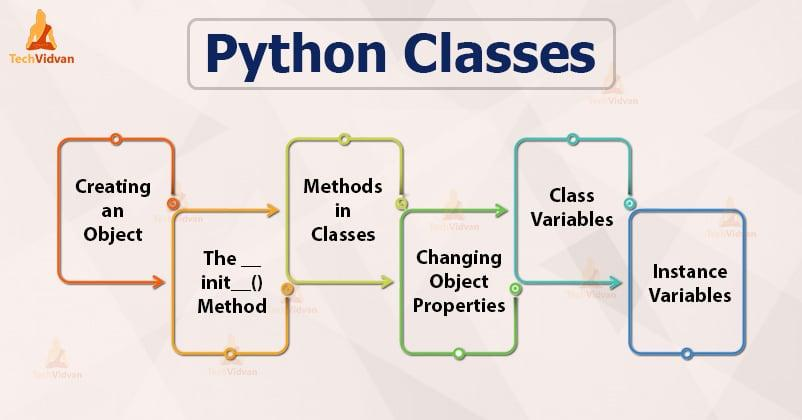
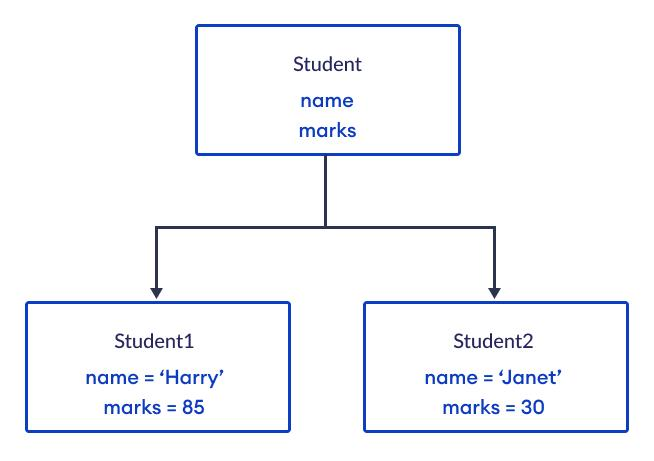
Python class and object structure used for managing student attendance records.
Project Algorithm
Follow these simple steps:
Step 1
Create a class named Student.
Step 2
Accept student name and attendance percentage.
Step 3
Store the values inside the class.
Step 4
Check attendance using an if-else condition.
Step 5
Display eligibility status.
Step 6
Show the result to the user.
This algorithm forms the core of the Python Student Exam Eligibility Checker Project.
Python Student Exam Eligibility Checker Project Code
class Student:

    def __init__(self, name, attendance):
        self.name = name
        self.attendance = attendance

    def check_eligibility(self):

        if self.attendance >= 80:
            print(self.name, "is Eligible for Exam")
        else:
            print(self.name, "is Not Eligible for Exam")


name = input("Enter Student Name: ")
attendance = float(input("Enter Attendance Percentage: "))

student = Student(name, attendance)

student.check_eligibility()
Code Explanation
Creating the Class
class Student:
A class named Student is created.
Constructor Method
def __init__(self, name, attendance):
The constructor initializes the student name and attendance percentage.
Eligibility Function
def check_eligibility(self):
This method checks whether the student satisfies the attendance requirement.
If Condition
if self.attendance >= 80:
If attendance is 80% or above, the student is eligible.
Else Condition
else:
If attendance is below 80%, the student is not eligible.
Sample Output
Example 1
Enter Student Name: Alex
Enter Attendance Percentage: 89

Alex is Eligible for Exam
Example 2
Enter Student Name: John
Enter Attendance Percentage: 65

John is Not Eligible for Exam
The output verifies that the Python Student Exam Eligibility Checker Project works correctly.
Applications of Python Student Exam Eligibility Checker Project
The Python Student Exam Eligibility Checker Project can be used in several educational scenarios.
School Attendance Management
Automatically determine student eligibility for examinations.
Student Record Systems
Integrate attendance validation into school software.
Educational Portals
Display eligibility status instantly.
Learning Python
Practice object-oriented programming and conditional logic.
Academic Administration
Reduce manual verification work for teachers and administrators.
Why Learn Python with RoboSiddhi?
RoboSiddhi encourages practical learning through project-based STEM education.
Benefits include:
- Hands-on Programming Experience
- Problem Solving Skills
- Logical Thinking Development
- Real-World Applications
- Interactive Learning Approach
- Beginner-Friendly Projects
The Python Student Exam Eligibility Checker Project helps students understand how software can automate everyday educational tasks while strengthening coding skills.
As part of Grade 9 STEM Activities, RoboSiddhi projects make learning Python engaging, practical, and enjoyable.
Frequently Asked Questions
What is the purpose of the Python Student Exam Eligibility Checker Project?
The project determines whether a student can appear for exams based on attendance percentage.
What attendance percentage is required?
Students need 80% or higher attendance to be eligible.
Which Python concepts are used?
- Classes
- Objects
- Conditional Statements
- User Input
- Functions
Is this project suitable for beginners?
Yes. The Python Student Exam Eligibility Checker Project is designed specifically for beginners and school students.
Which IDE can be used?
You can use VS Code, Thonny IDE, IDLE, or PyCharm.
Why use classes in this project?
Classes help organize data and functions efficiently using object-oriented programming principles.
Internal Links
You may also like:
- Python Student Result Analyzer Project
- Python Grading System Project
- Python Calculator Project
- ESP32 Bluetooth LED Control Project
- Raspberry Pi LED Blinking Project
Conclusion
The Python Student Exam Eligibility Checker Project is a simple yet practical Python application that demonstrates how classes, objects, user input, and conditional statements can be used to solve real-world problems. By checking attendance percentages and determining exam eligibility automatically, students gain valuable experience in programming logic and software development.
As one of the most effective Grade 9 STEM Activities, this project strengthens problem-solving skills, introduces object-oriented programming concepts, and provides a strong foundation for future Python projects.