
Introduction
The Python Student Result Analyzer Project is an excellent beginner-friendly programming activity that helps students learn how to calculate total marks and average marks using Python. This project introduces important programming concepts such as classes, objects, methods, lists, and built-in Python functions.
In this Python Student Result Analyzer Project, students enter marks obtained in different subjects, and the program automatically calculates the total score and average percentage. The project demonstrates how Python can simplify calculations while teaching object-oriented programming concepts.
As part of Grade 9 STEM Activities, this project helps students strengthen their logical thinking, problem-solving abilities, and programming skills.
Students learning Python programming concepts through hands-on STEM activities.
Table of Contents
Python Student Result Analyzer Project for Grade 9 STEM Activities – Learn how to calculate total and average marks using Python classes and built-in functions.
What is a Student Result Analyzer?
A Student Result Analyzer is a program that processes marks obtained by a student and calculates:
- Total Marks
- Average Marks
- Overall Performance
Instead of performing calculations manually, the Python Student Result Analyzer Project automates the process using simple Python code.
This makes it a useful educational project for students learning basic programming.
Learning Objectives
By completing this Python Student Result Analyzer Project, students will learn:
- Object-Oriented Programming (OOP)
- Classes and Objects
- Python Lists
- Functions and Methods
- Built-in Functions
- Data Processing
- Mathematical Calculations
These skills form the foundation for more advanced Python projects.
Components and Software Required
Unlike electronics projects, this project only requires software.
| Requirement | Purpose |
|---|---|
| Python | Programming Language |
| VS Code | Writing and Running Code |
| Computer/Laptop | Project Development |
Students can also use IDLE, PyCharm, or other Python editors.
Understanding the Python Concepts
Class
A class acts as a blueprint for creating objects.
Example:
class Student:
The Student class stores marks and performs calculations.
Object
An object is an instance of a class.
Example:
student1 = Student()
self Keyword
The self keyword refers to the current object of the class.
sum() Function
The sum() function adds all values in a list.
Example:
sum([85, 90, 78])
len() Function
The len() function returns the total number of elements in a list.
Example:
len([85, 90, 78])
These built-in functions make the Python Student Result Analyzer Project simple and efficient.
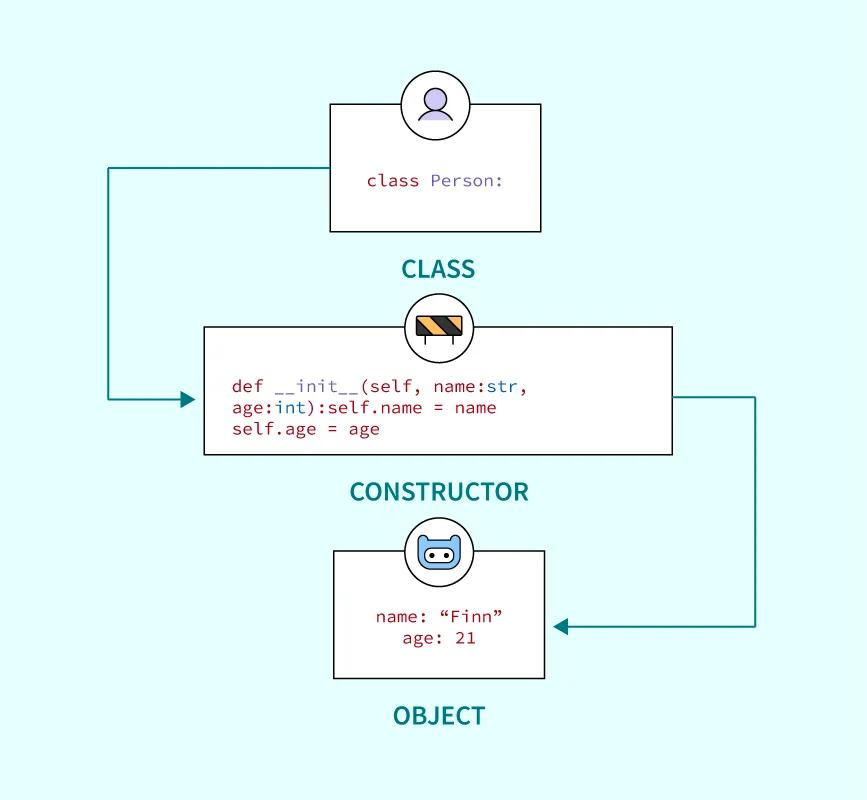
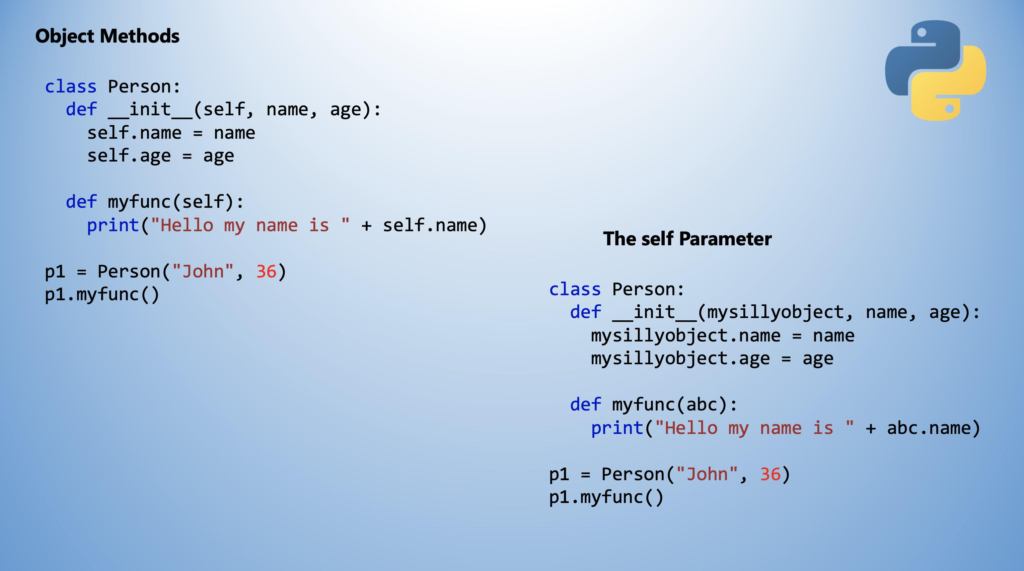
Understanding classes, objects, and methods used in the Python Student Result Analyzer Project.
Project Algorithm
Follow these steps:
Step 1
Create a class named Student.
Step 2
Store marks inside the class.
Step 3
Use sum() to calculate total marks.
Step 4
Use len() to count the number of subjects.
Step 5
Calculate average marks.
Step 6
Display the results.
This algorithm forms the foundation of the Python Student Result Analyzer Project.
Python Student Result Analyzer Project Code
class Student:

    def __init__(self, marks):
        self.marks = marks

    def calculate(self):
        total = sum(self.marks)
        average = total / len(self.marks)

        return total, average


student = Student([85, 90, 78, 92, 88])

total, average = student.calculate()

print("Total Marks =", total)
print("Average Marks =", average)
Code Explanation
Creating the Class
class Student:
A class named Student is created.
Constructor Method
def __init__(self, marks):
This method stores marks provided by the user.
Calculate Function
def calculate(self):
The calculate function computes total and average marks.
Total Marks
total = sum(self.marks)
The sum() function adds all subject marks.
Average Marks
average = total / len(self.marks)
The len() function determines the total number of subjects.
Displaying Results
print()
The results are displayed on the screen.
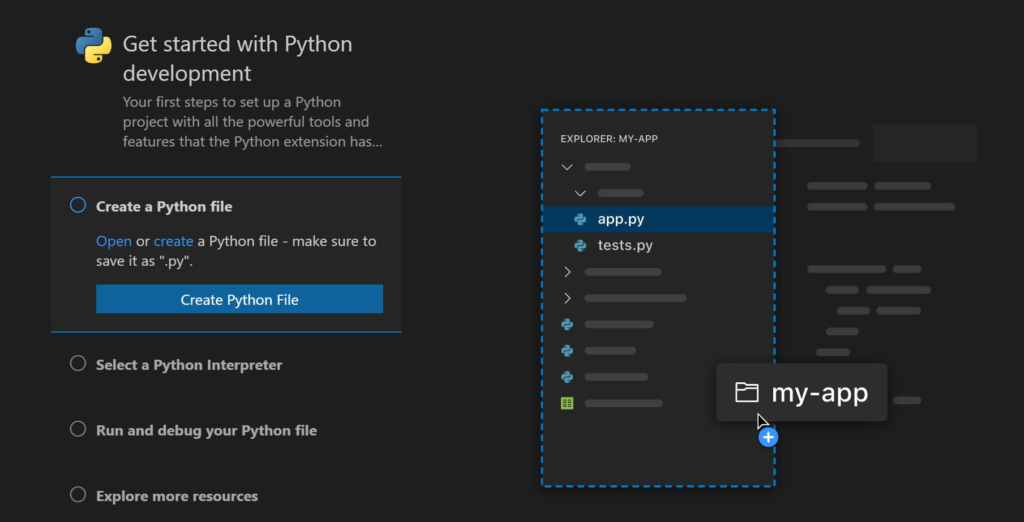
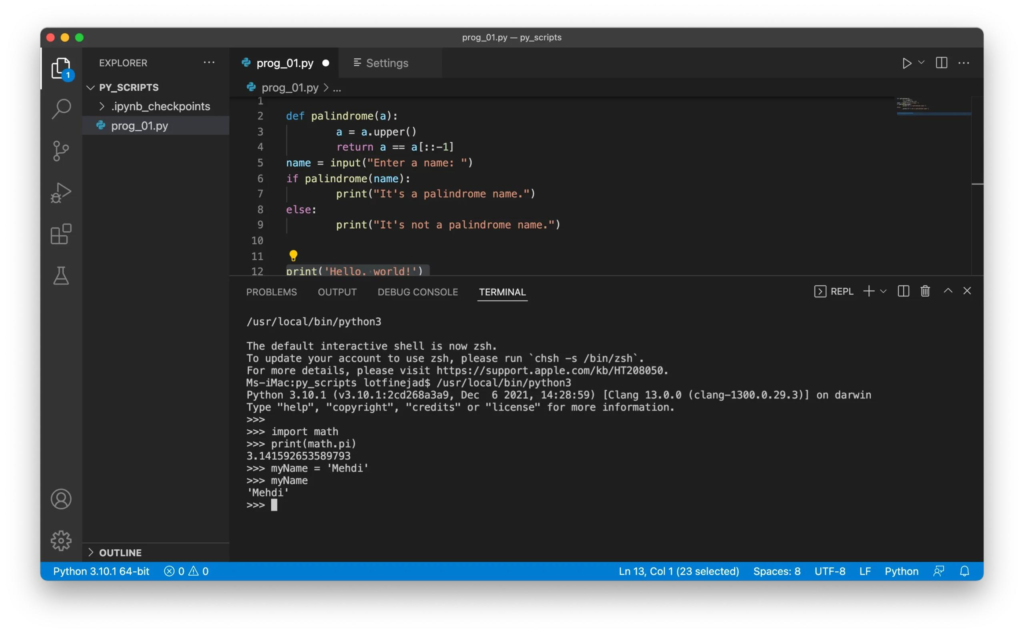
Python code used to calculate total marks and average marks.
Sample Output
Input Marks
85, 90, 78, 92, 88
Output
Total Marks = 433
Average Marks = 86.6
The output confirms that the Python Student Result Analyzer Project successfully calculates the student’s performance.
Applications of Python Student Result Analyzer Project
The Python Student Result Analyzer Project has many real-world applications.
School Result Systems
Automatically calculate student performance.
Examination Software
Generate reports quickly and accurately.
Educational Portals
Display student marks and averages.
Data Processing
Analyze academic records efficiently.
Learning Programming
Understand object-oriented programming concepts through practical implementation.
Why Learn Python with RoboSiddhi?
RoboSiddhi promotes project-based STEM learning through practical coding activities.
Benefits include:
- Hands-on Learning
- Python Programming Skills
- Logical Thinking Development
- Problem Solving Practice
- Real-World Applications
The Python Student Result Analyzer Project helps students understand how software can automate calculations and improve efficiency.
Frequently Asked Questions
What is the purpose of the Python Student Result Analyzer Project?
The project calculates total and average marks using Python programming.
Which Python concepts are used?
- Classes
- Objects
- Functions
- Lists
- sum()
- len()
Is this project suitable for beginners?
Yes. The Python Student Result Analyzer Project is designed for beginners and school students.
Which IDE is recommended?
VS Code is commonly used, but Python IDLE and PyCharm can also be used.
Why use classes in this project?
Classes help organize data and functions efficiently using object-oriented programming principles.
Internal Links
You may also like:
- Python Calculator Project
- Python Expense Tracker Project
- Arduino DHT11 Temperature Monitoring Project
- ESP32 Bluetooth LED Control Project
- Raspberry Pi LED Blinking Project
Conclusion
The Python Student Result Analyzer Project is a simple yet powerful beginner-level Python application that demonstrates how classes, objects, and built-in functions can be used to automate calculations. By calculating total and average marks, students gain practical experience with object-oriented programming while improving their coding skills.
As one of the most effective Grade 9 STEM Activities, the Python Student Result Analyzer Project encourages logical thinking, problem-solving, and hands-on programming practice, making it an excellent project for students starting their Python journey.