
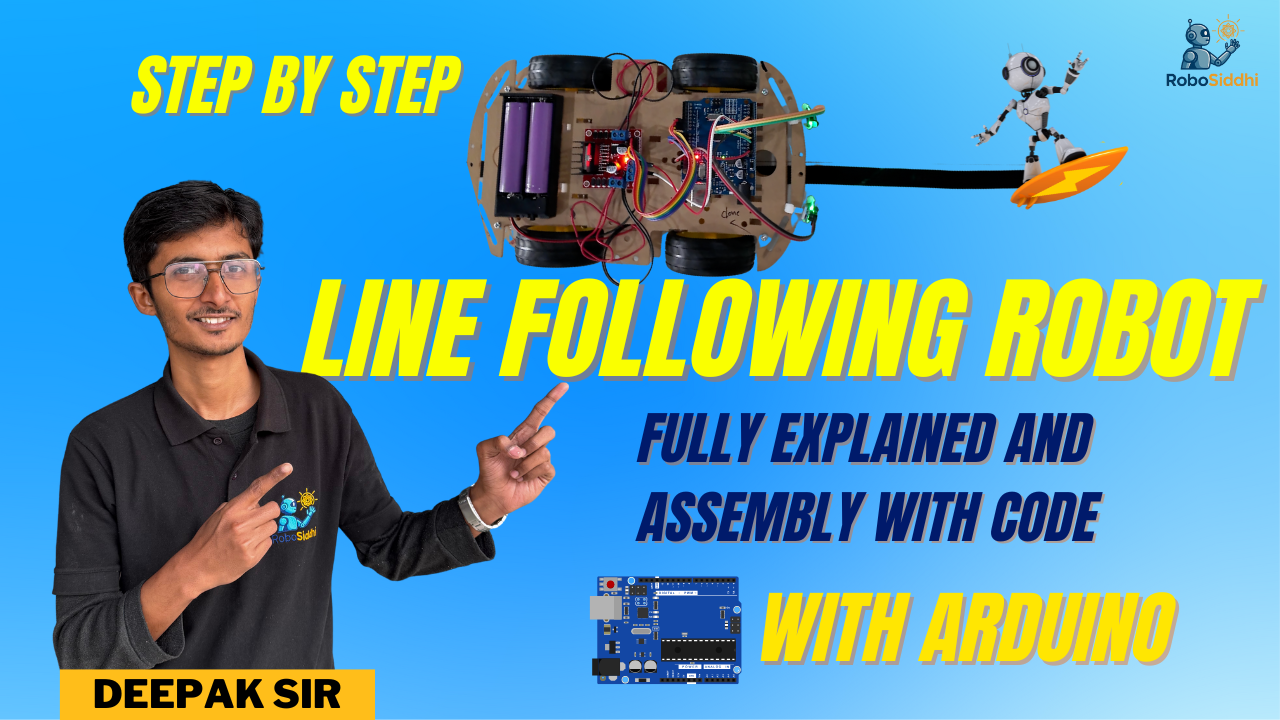
Watch Full Video Click Here :- @Robosiddhi Video
Introduction to Line Following Robots
If you’re interested in robotics and programming, building a line following robot is an excellent starting project. This beginner-friendly tutorial will guide you through the process of creating your own line following robot using Arduino, a versatile and accessible microcontroller. With just a few components and some coding, you’ll have a functioning robot that can navigate a path autonomously.
Essential Components Required
To get started, you’ll need several key components: an Arduino board, IR sensors for line detection, motors, wheels, and a chassis to hold everything together. You will also need a power supply, such as batteries. With these components in hand, you’ll be ready to build your robot.
Step-by-Step Guide to Building Your Robot
Begin by assembling the chassis of your line following robot. Attach the motors to the chassis and connect them to the Arduino board. Next, position the IR sensors at the front of the robot. These sensors will detect the line. After securing the hardware, it’s time to upload the code that will instruct your robot to move and respond to the sensor inputs. You can find sample codes online to help you get started with programming your Arduino.
Once everything is assembled and programmed correctly, place your robot on the track and watch as it follows the line! Experiment with different paths and adjust your code to improve the robot’s responsiveness. Creating a line following robot using Arduino is not just a fun project, but also a fantastic way to dive into the world of robotics and coding.